Photo to line drawing
Turn a photo into a line drawing
Keep the subject, lose the background. Your photo redrawn as clean black lines on white — ready to trace, transfer or practice from.
Try it with your photo ↓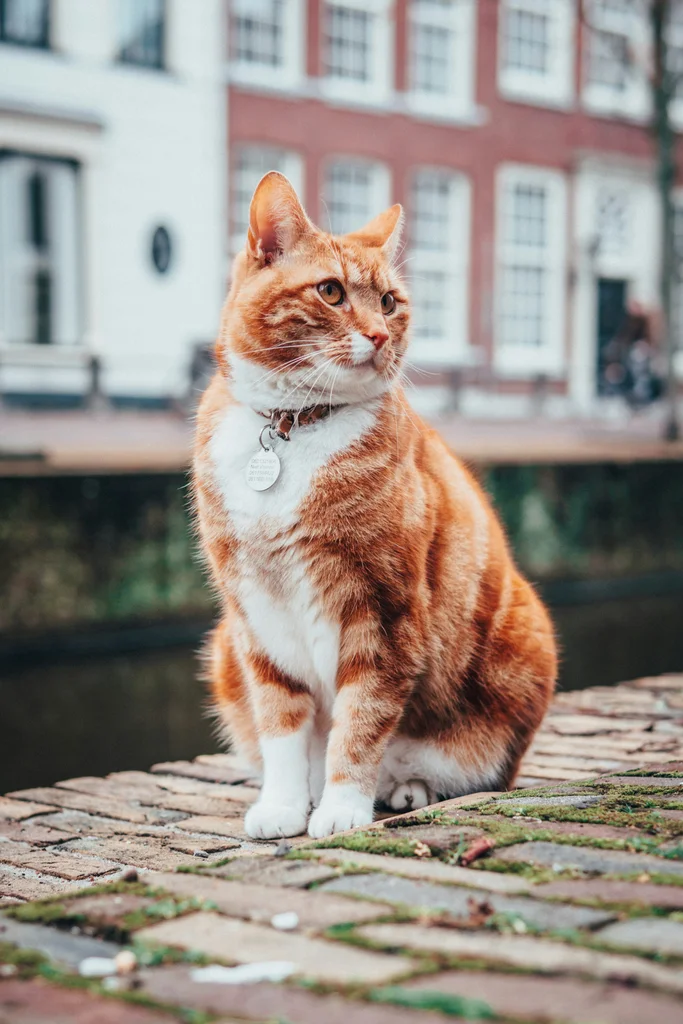
Try it with your photo
Keep the subject, lose the background. Your photo redrawn as clean black lines on white — ready to trace, transfer or practice from.
Checking your trial…
Examples
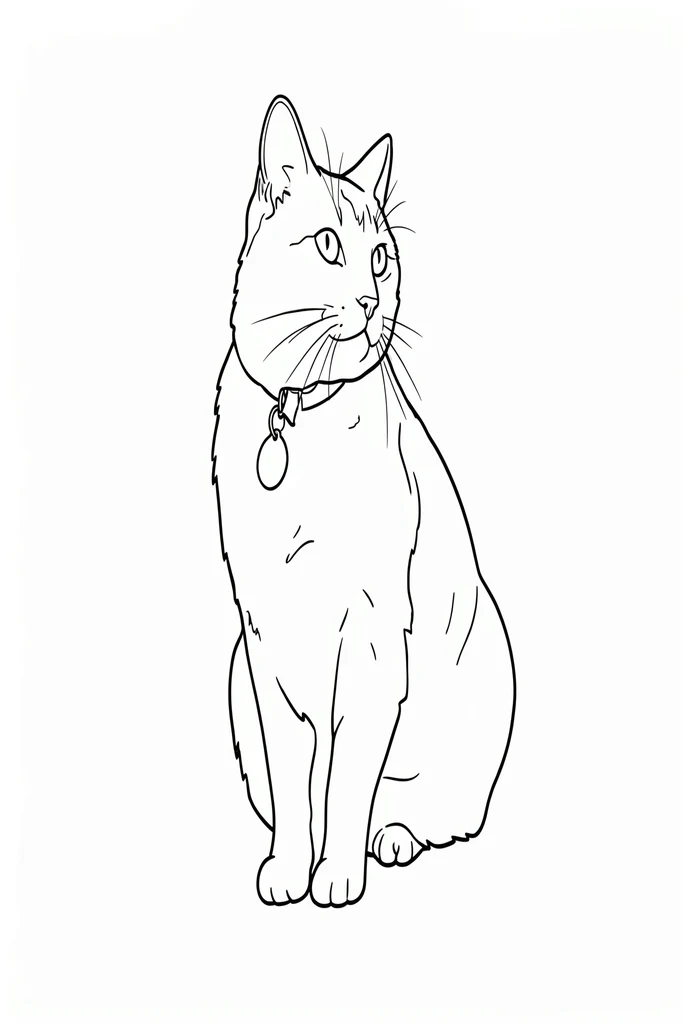
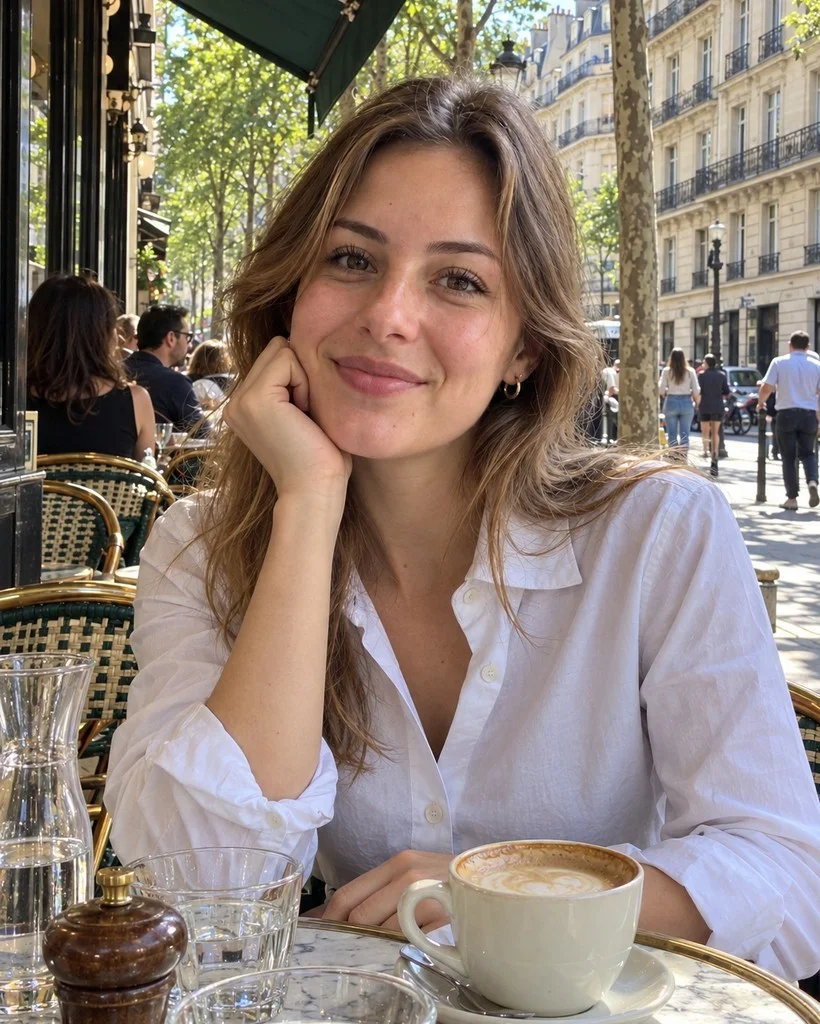
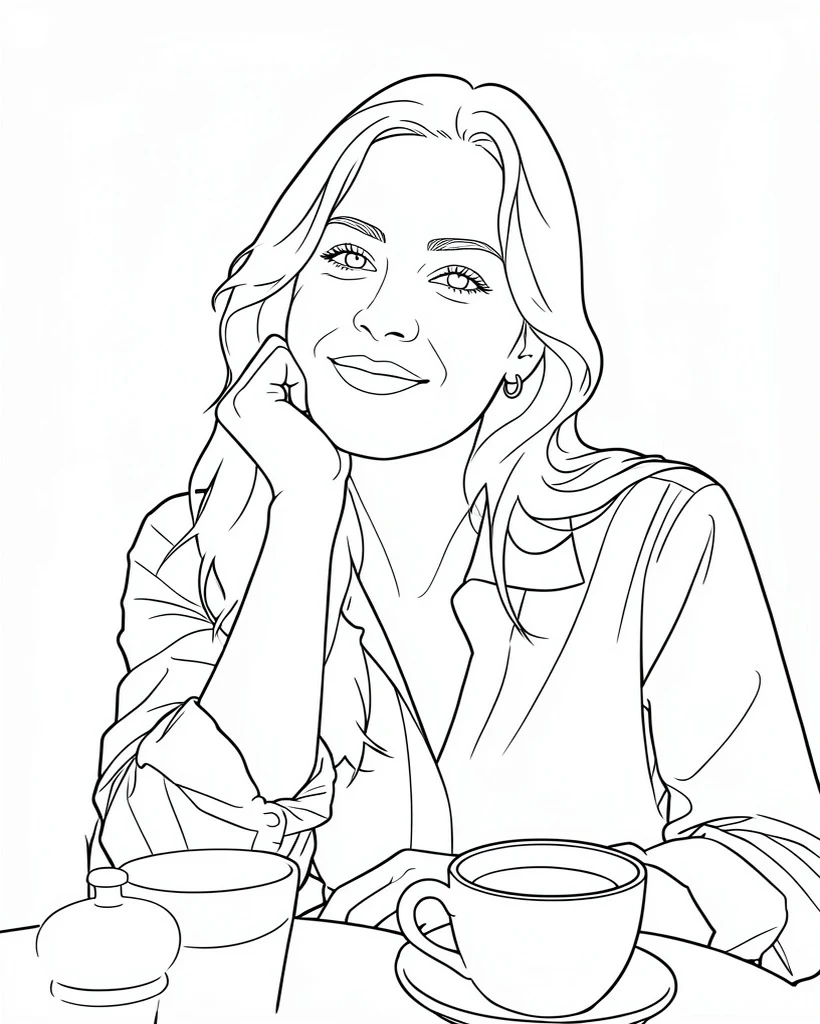
Good and weak results alike, exactly as they came out.
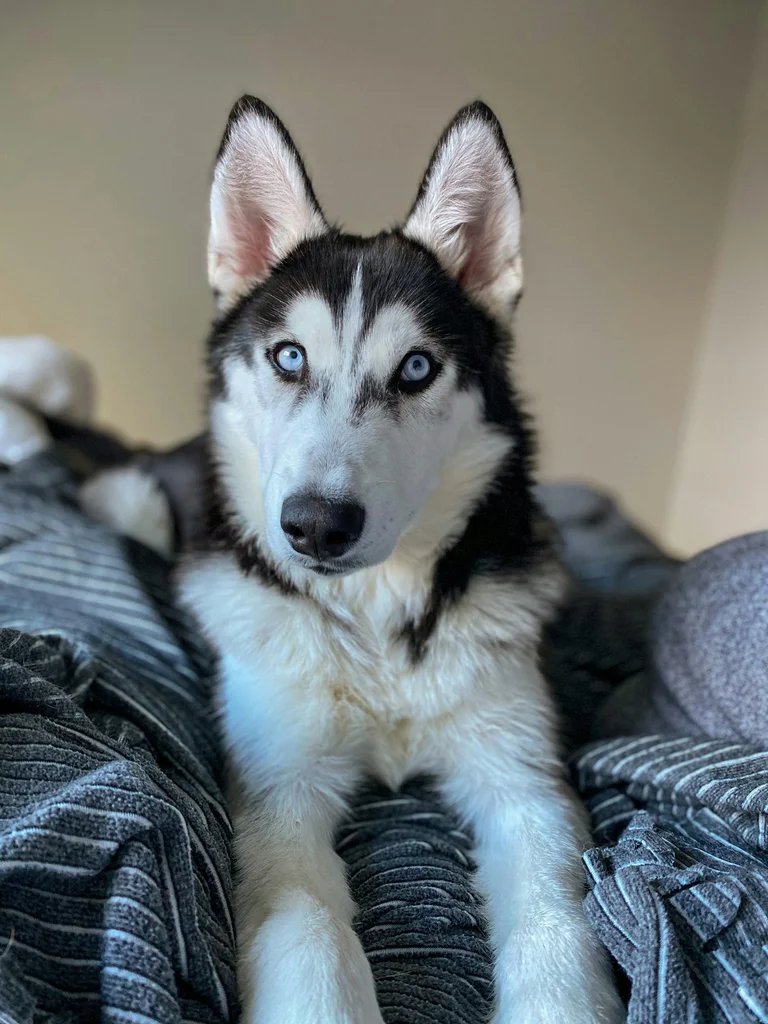
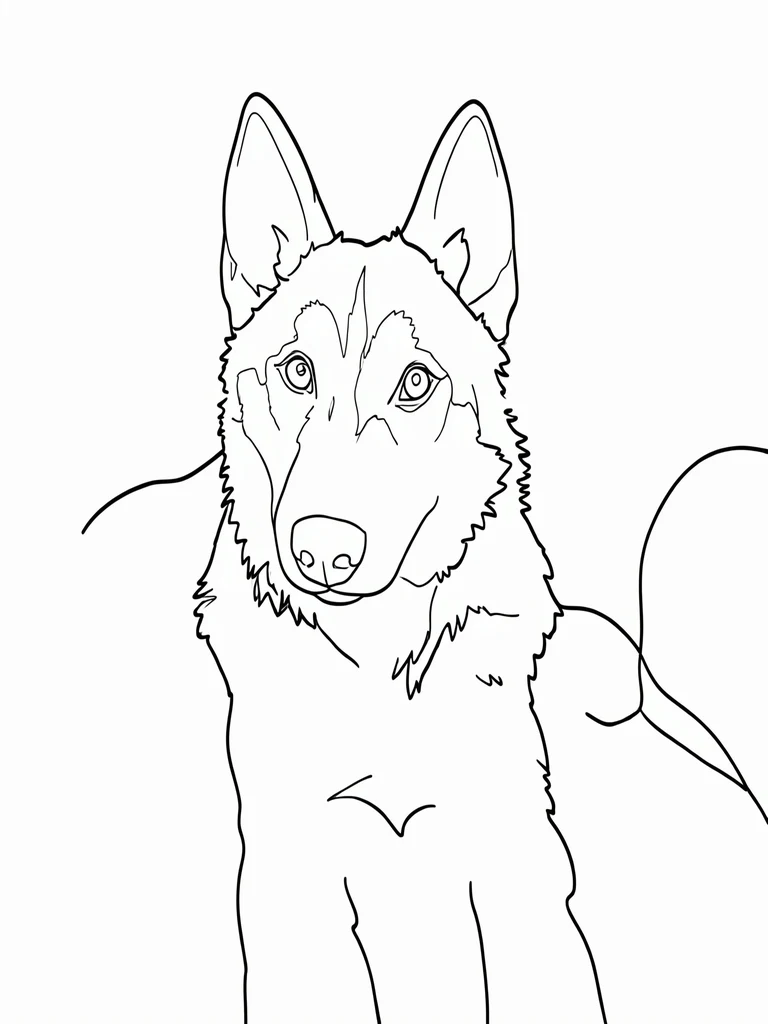
How to make one
- 1Pick a photo where the subject stands out from a plain background.
- 2Press “Create line drawing” and wait while it draws.
- 3Save the image, or press Print to print just the drawing, fitted to your paper.
Tips for a better result
- Plain backgrounds give the cleanest outlines; busy ones can leave stray lines.
- One clear subject works better than a crowd.
- If you trace someone else’s photo or artwork to publish or sell, check the rights first.
A clean outline to trace, transfer or make with
Only the lines that define the shape remain. Trace it on a light box, transfer it to fabric for embroidery, use it as a craft pattern, or study it as a drawing reference.
You get an image (WebP), not an editable SVG or a cutting file. Busy backgrounds can leave stray lines, as in the husky example. Fur patterns and shading are not drawn. Line drawings are a web trial only; the AI Gahaku app does not offer them yet.
Frequently asked questions
Can I try it for free?
Can I get an SVG for Cricut or laser engraving?
Does it remove the background?
How is this different from a coloring page?
What happens to my photo?
More photos. More possibilities.
The app does not make this line drawing, but it has more ways to turn a photo into art, including pencil and ink sketches.
Scan with your phone to open the store


Example sources: cat and dog photos from Unsplash and a fictional, AI-generated photo of a person. Each was converted once, with no retries, selection or retouching. Your results will vary. Example record