AI Portrait Generator

Turn Your Photos Into Oil Paintings

Van Gogh’s bold strokes, Monet’s soft light.
Your photo, repainted as an old-master oil portrait.
4M+ people have turned their photo into a masterpiece*Your turn next.

★★★★★★★★★★4.6 · 929 ratings · App Store

* People who converted a photo on the web or in the app, as of October 2026.

Open on your phone

Scan with your camera: an iPhone opens the App Store, an Android phone Google Play.

Download on the App StoreGet it on Google Play

Try it with your own photo →

Filters Feeling Flat?

Filters tend to look alike. AI Gahaku gives your photo the texture and depth of real paint.

Photo to Painting

Experience the Photo-to-Painting Transformation

Watch an everyday photo turn into a brushstroke portrait.

Before
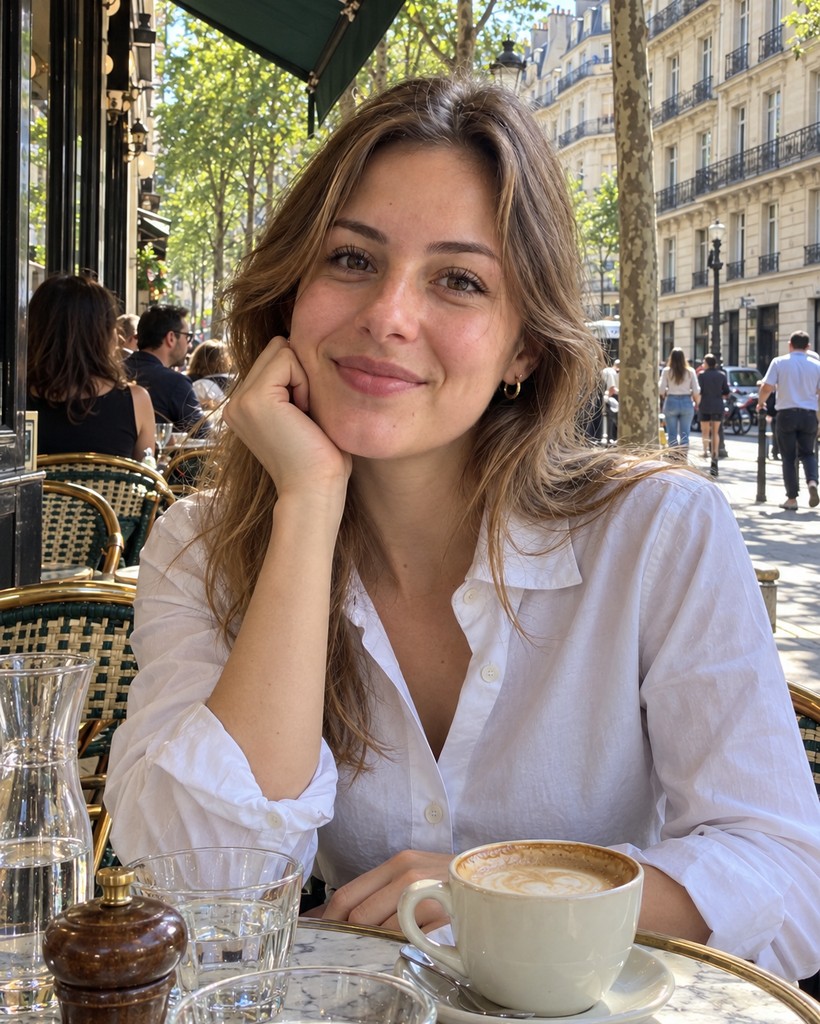
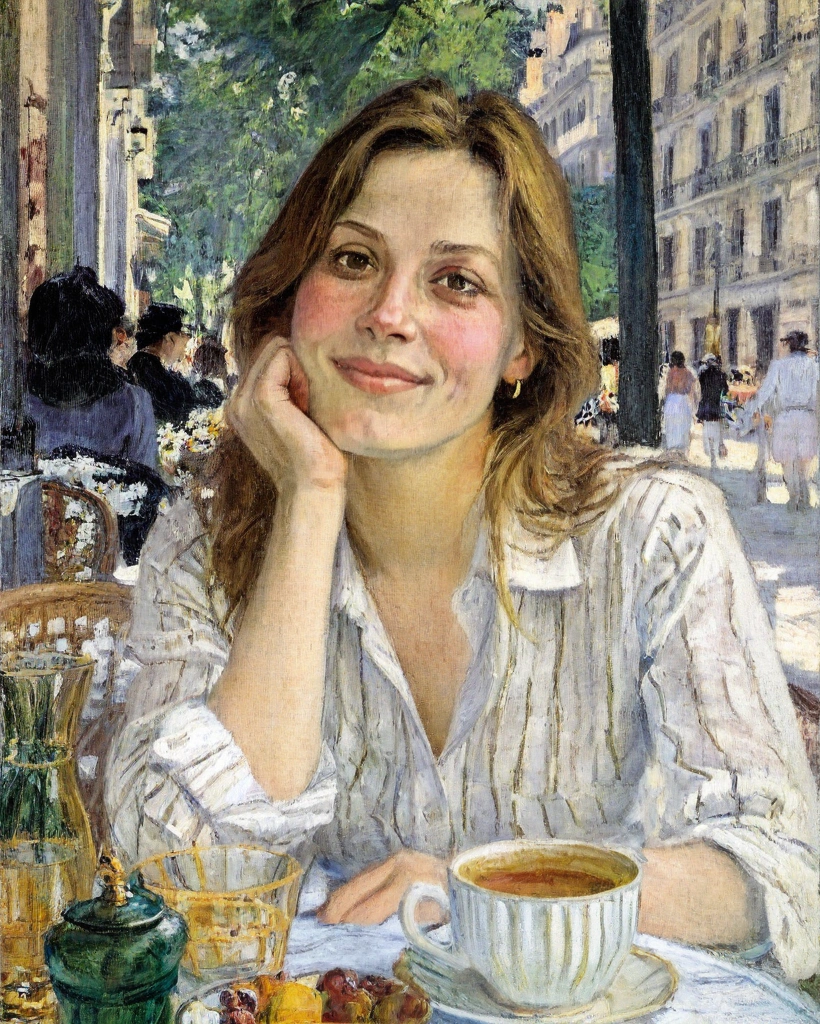
Original photo of a woman resting her chin on her hand at a Paris cafe terrace

After

The same photo turned into a Monet-style oil painting by AI Gahaku

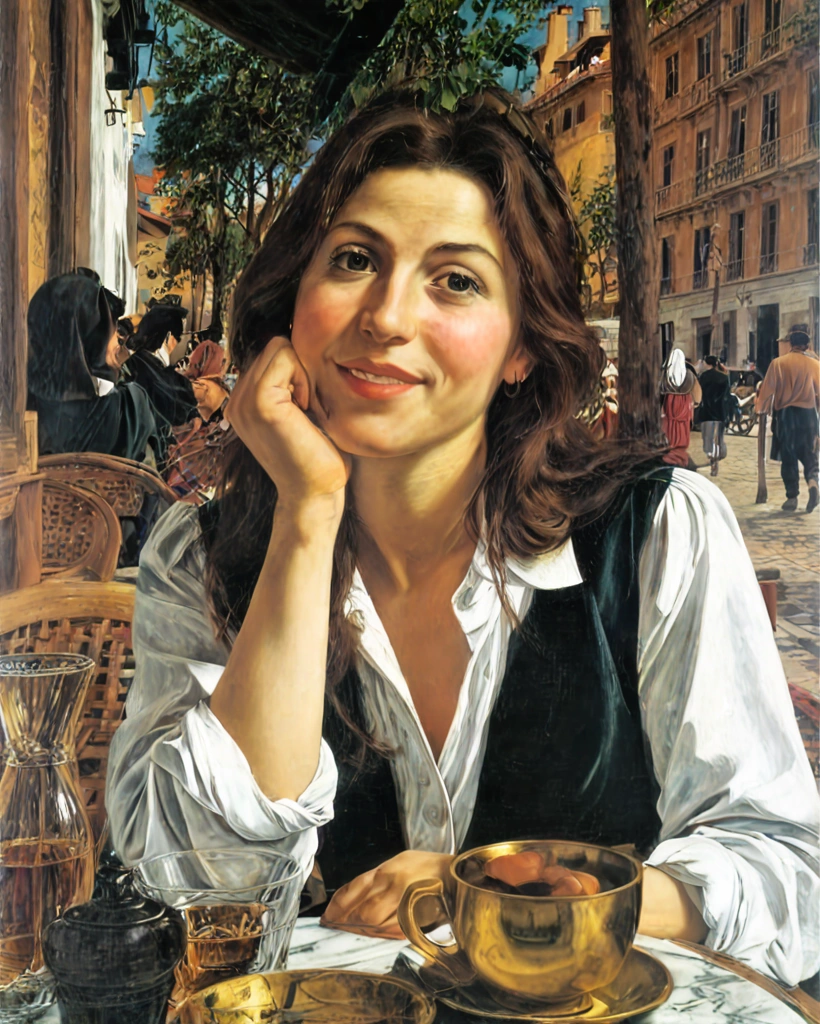
The same photo in four masters’ styles
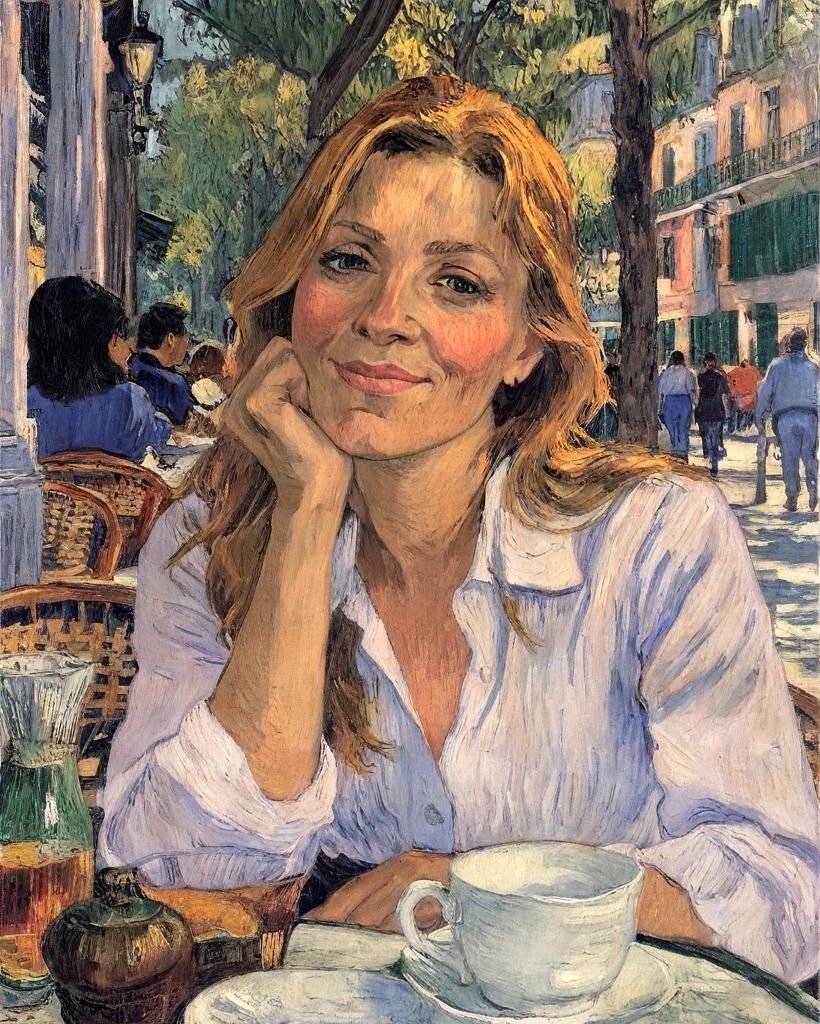
The same photo in the Van Gogh style

Van Gogh

Bold brushstrokes and vivid colors

The same photo in the Monet style

Monet

Impressionist light and color

The same photo in the Caravaggio style

Caravaggio

Dramatic chiaroscuro portraits
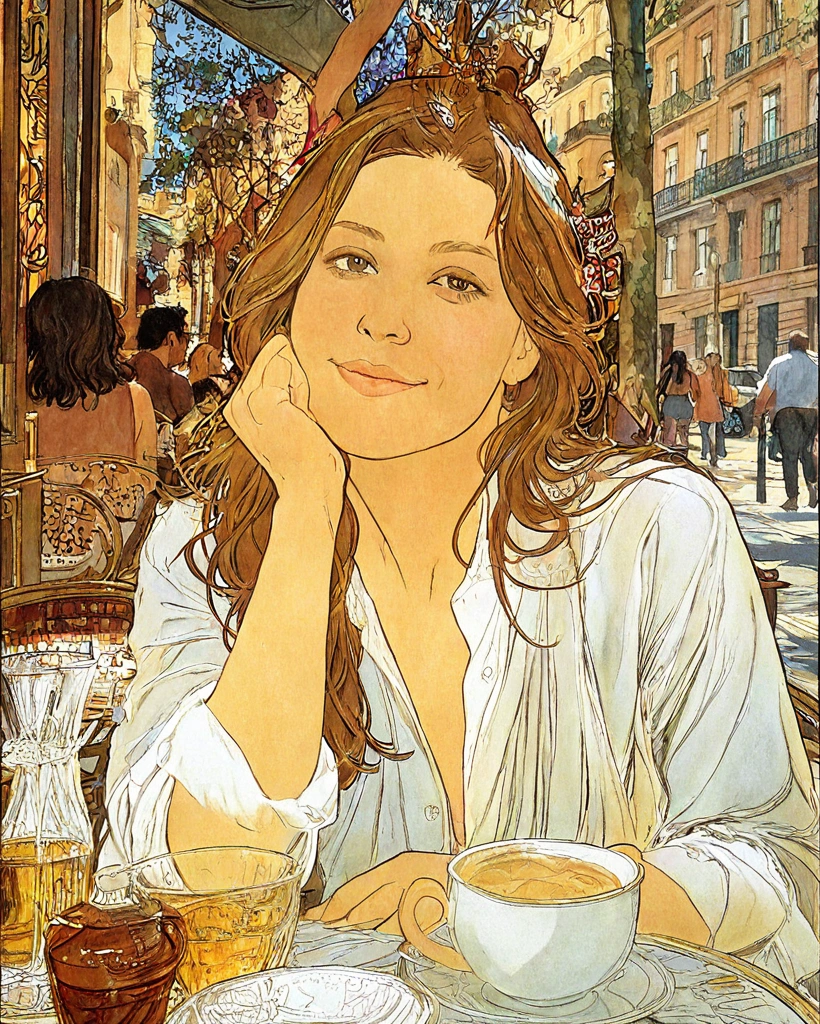
The same photo in the Mucha style

Mucha

Art Nouveau ornamental elegance

Pick a photo and get a portrait fit for a gallery wall. Like a painter starting fresh, it may repaint your hair and background too.

Styles

60+ Famous Art Styles

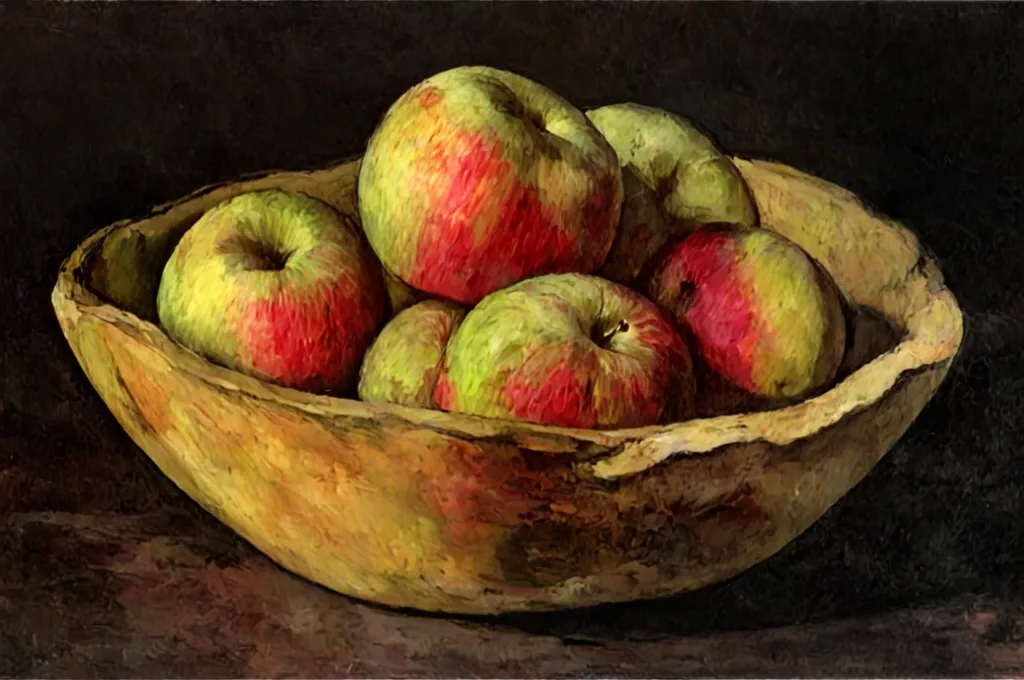
From Renaissance to Impressionism, Expressionism and Pop Art. Van Gogh, Monet, Picasso, Munch, Warhol… pick a painter to suit your mood, with even more to explore in the app.
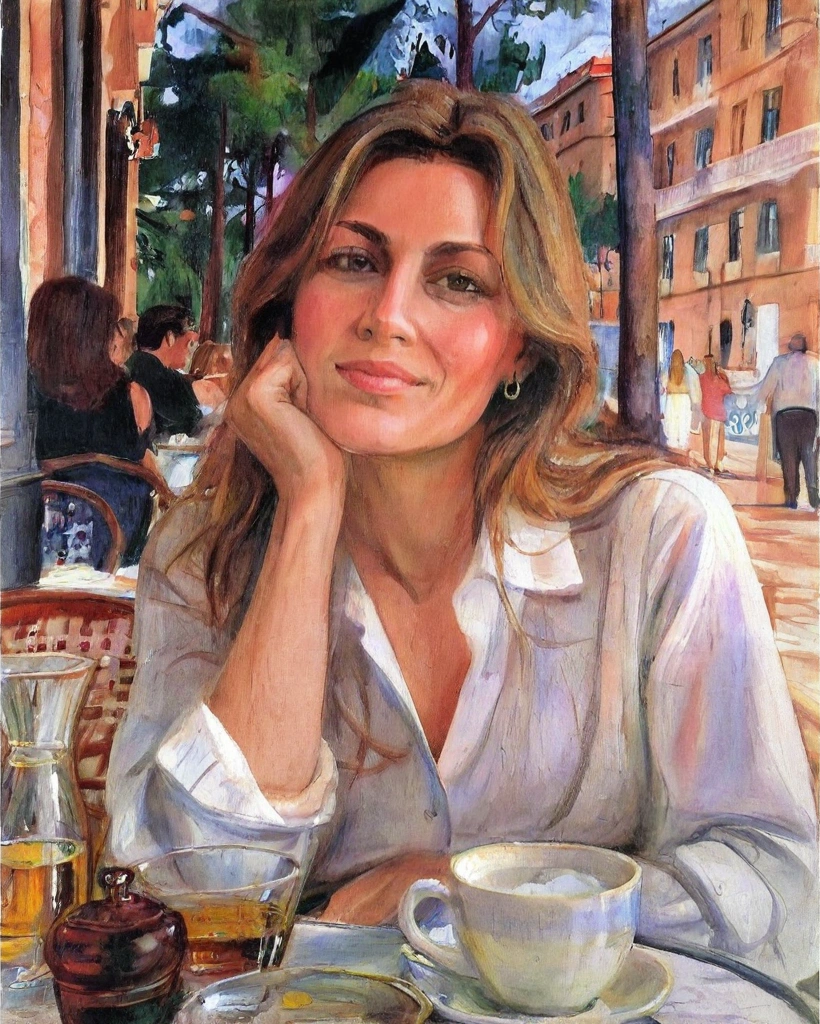
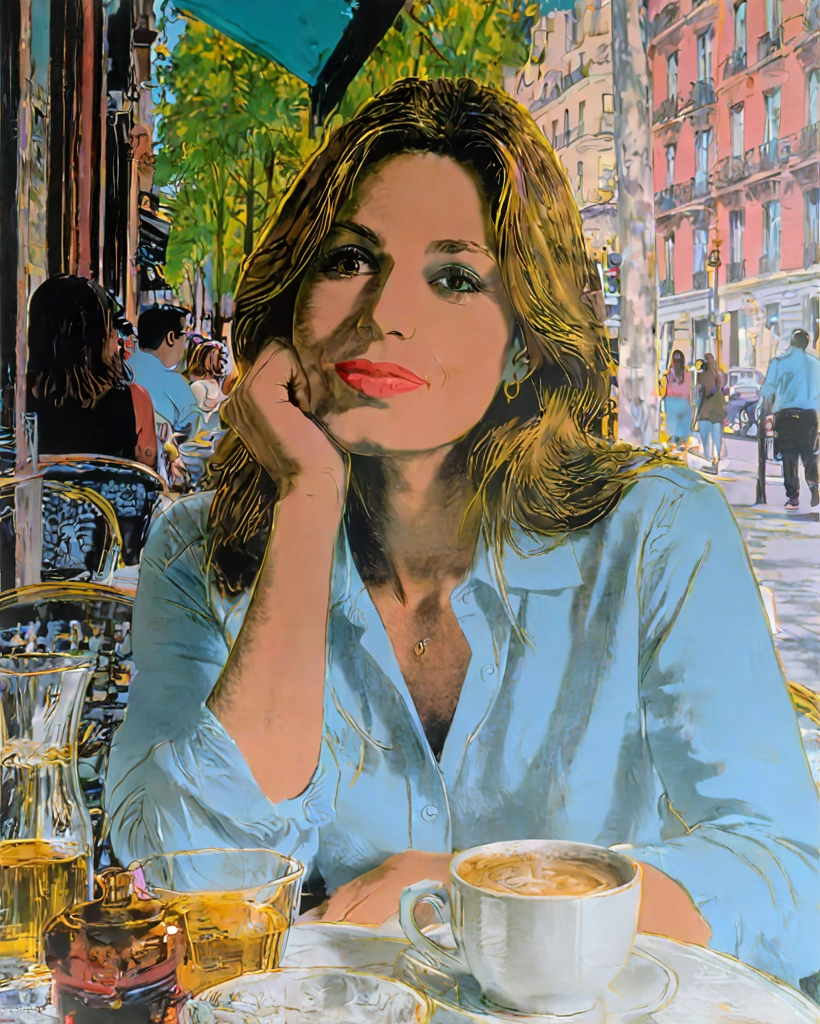
Munch-style result, the street repainted in swirling reds and greensWarhol-style result, the white shirt turned light blueAn apple still life turned into a Cézanne-style painting

Social Media

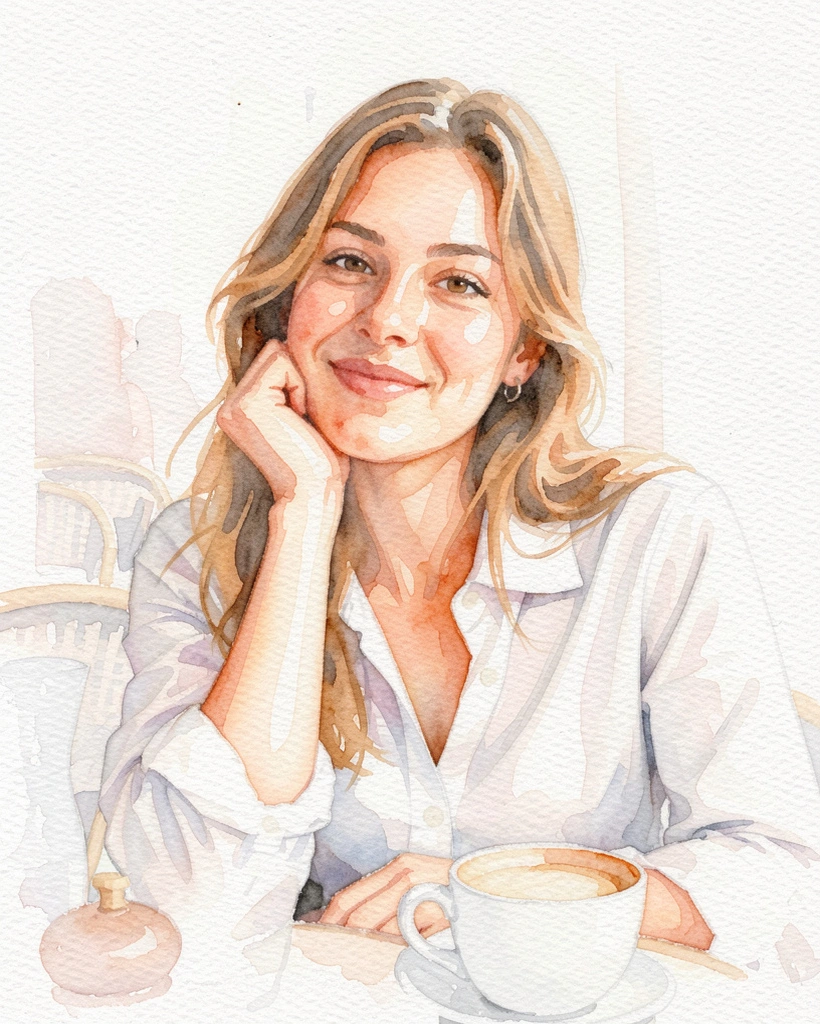
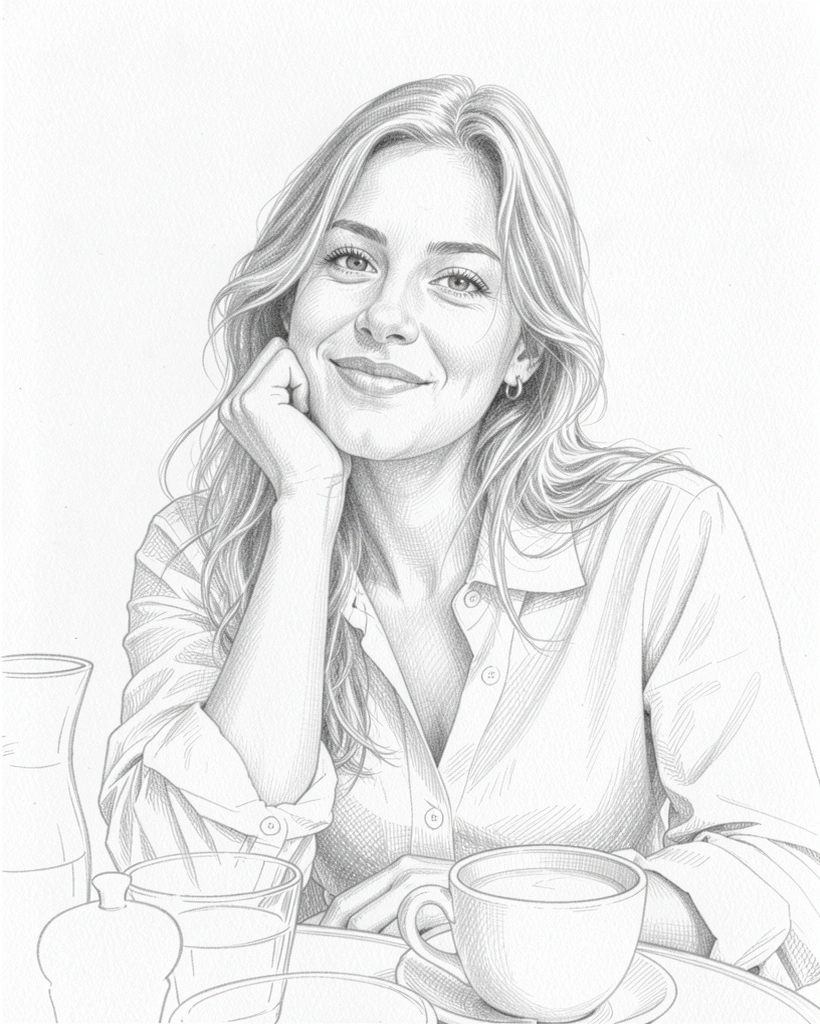
Oil Painting Profile Pictures for Social Media

Give your profile picture the gallery treatment and stand out in any feed.

Profile picture example (Monet style)

Instagram

Profile picture example (Van Gogh style)

X

Profile picture example (watercolor)

Facebook

Profile picture example (pencil)

LinkedIn

Open on your phone

Scan with your camera: an iPhone opens the App Store, an Android phone Google Play.

Download on the App StoreGet it on Google Play

How It Works

How It Works — 3 Simple Steps

1

Pick a photo

Start with a favorite shot

2

Pick a painter

Van Gogh? Monet? Your call

3

Save & share

Show off your new portrait

Frequently asked questions

How do I turn a photo into an oil painting?
Choose a photo, pick an oil painting style such as Van Gogh or Monet, and AI Gahaku paints it for you. On the web you can create one image free per browser in 5 styles. The iOS and Android app has 60+ famous art styles.
What artist styles are available?
The web trial includes four famous painter styles (Van Gogh, Monet, Bouguereau and Warhol) plus anime. The app adds oil portrait styles inspired by Rembrandt, Bouguereau, Picasso, Munch, Warhol and more, plus sketch and watercolor categories.
Is the oil painting filter free?
On the web, one successful creation per browser is free, with no account or credit card. The app is free to download and offers an optional PRO subscription. Check the app for its current free usage and prices.
Can I use oil painting portraits for social media?
Yes. Save your result and use it as a profile picture on Instagram, X, Facebook or LINE. Please see our Terms for the conditions of use.

Your Photo, Painted Like a Masterpiece

Pick a painter and make a portrait that’s yours alone.

Scan with your phone to open the store

Download on the App StoreGet it on Google Play

Try it with your own photo →