Photo to coloring page
Turn a photo into a coloring page
Your kids, your dog, a day out — redrawn as bold black outlines with open white spaces for crayons. Save it or print it right away.
Try it with your photo ↓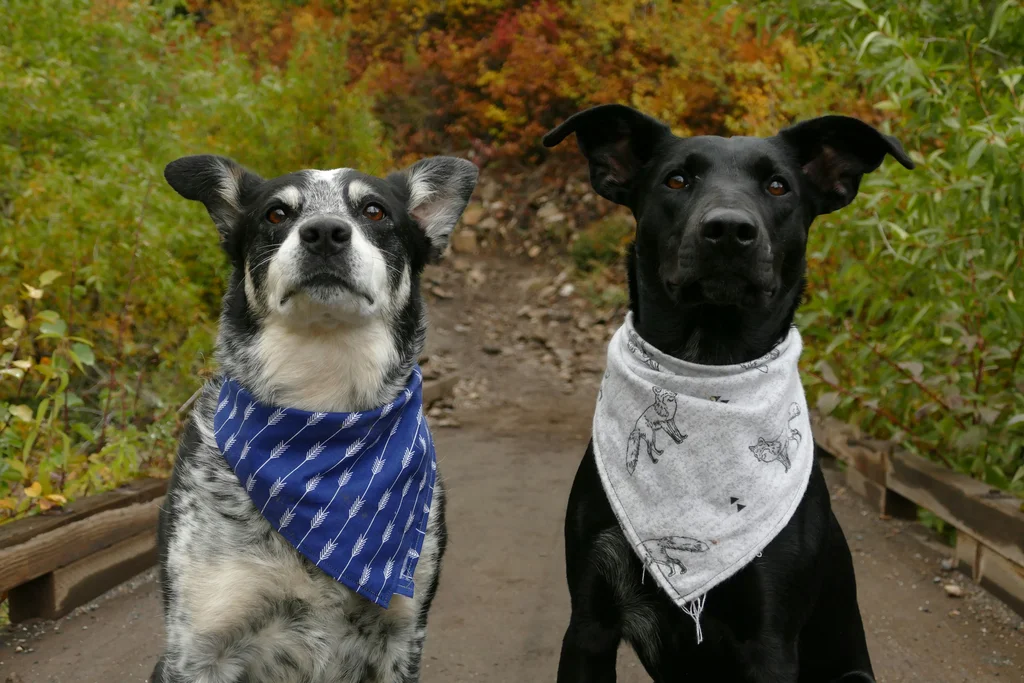
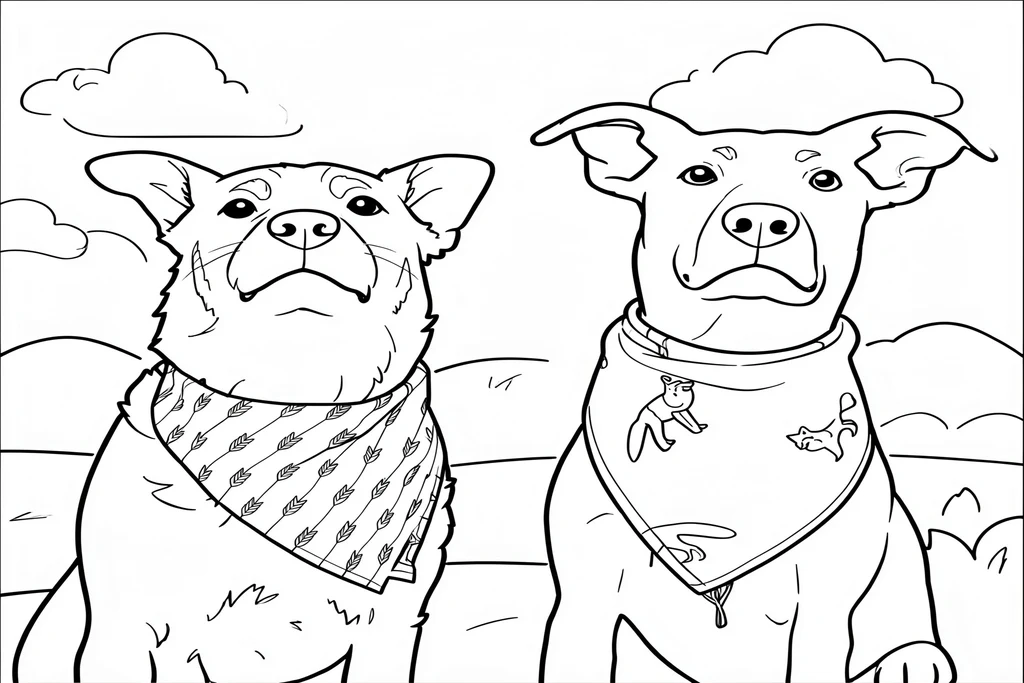
Try it with your photo
Your kids, your dog, a day out — redrawn as bold black outlines with open white spaces for crayons. Save it or print it right away.
Checking your trial…
Examples
Good and weak results alike, exactly as they came out.
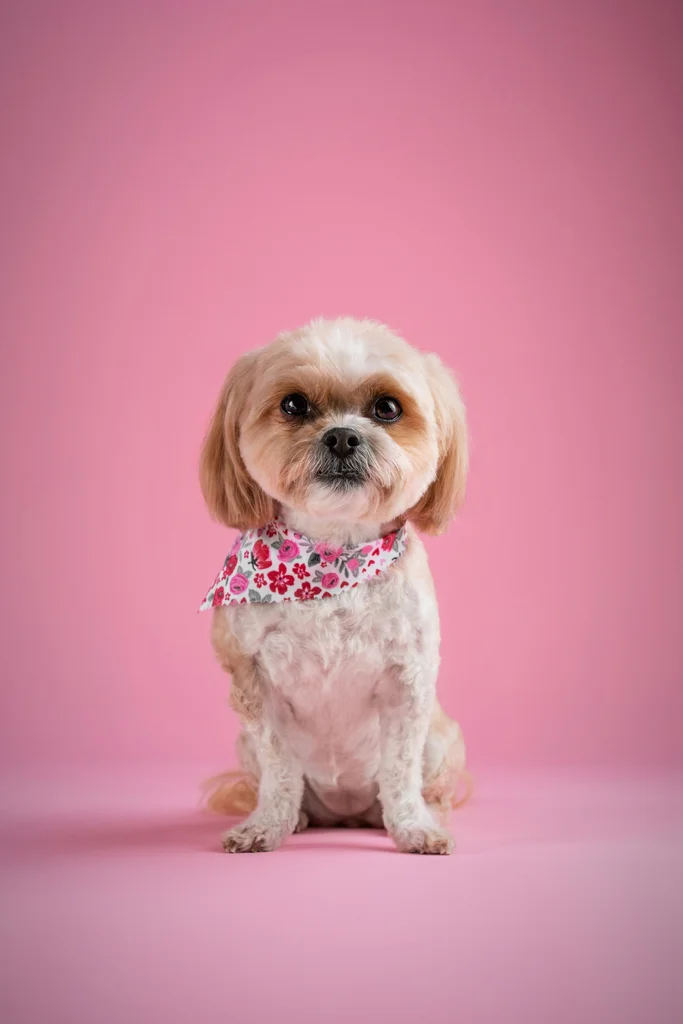
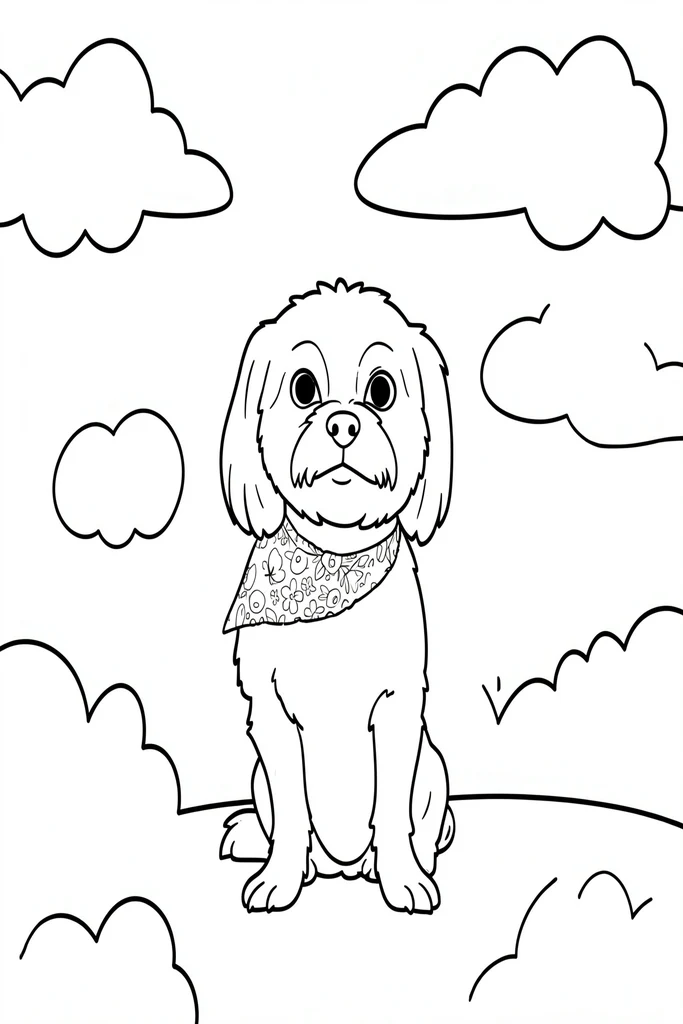

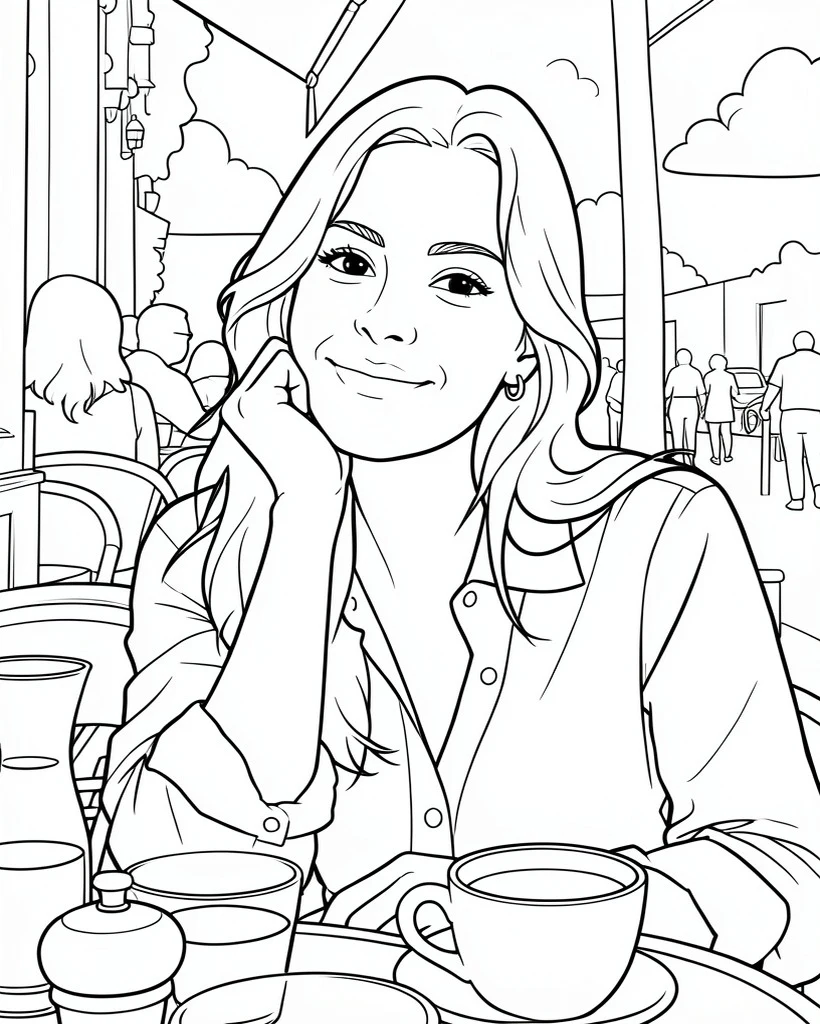
How to make one
- 1Choose a clear photo with one to three people or pets, in good light.
- 2Press “Create coloring page” and wait while it draws.
- 3Save the image, or press Print to print just the page, fitted to A4 or US Letter.
Tips for a better result
- A plain or simple background gives a cleaner page with bigger areas to color.
- Faces that fill more of the photo keep more of their expression.
- Use photos you have the right to use. Ask first before using photos of other people, especially other people’s children.
Coloring pages starring the people and pets they know
A page with their own family, friends or dog is a different kind of coloring page. Try one for a rainy afternoon, a birthday party table or a handmade card.
You get one image (WebP), not a PDF or a multi-page coloring book. Busy backgrounds can stay detailed, and small faces are simplified. Check it before printing. Coloring pages are a web trial only; the AI Gahaku app does not offer them yet.
Frequently asked questions
Can I try it for free?
Can I print it?
Which photos work best?
Can I add a name or a message?
What happens to my photo?
More photos. More possibilities.
The app does not make coloring pages, but it has more ways to turn a photo into art, from pencil sketches to famous painters’ styles.
Scan with your phone to open the store


Example sources: dog photos from Unsplash and a fictional, AI-generated photo of a person. Each was converted once, with no retries, selection or retouching. Your results will vary. Example record